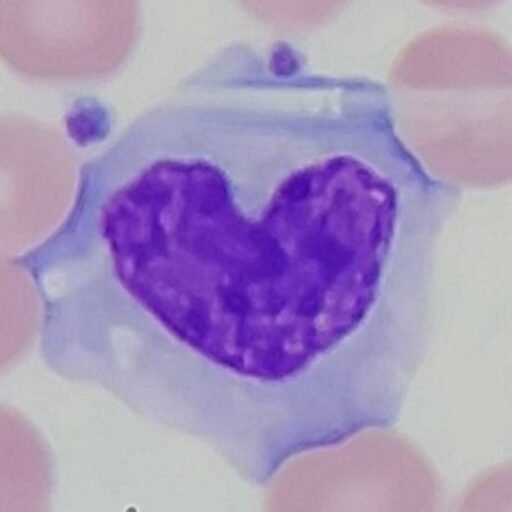
Find out how to take the best pictures through a microscope! All of the pictures on my website were taken myself, so I’ll tell you everything I’ve learned.
Phone Settings
Most modern phones have multiple lenses that are used to take pictures. This will make your images look blurry, as only one of the lenses will be looking through the scope. To fix this, go to your phone’s settings and manually select the camera lens.
Change to manual focus if possible to keep your phone from continuously auto-focusing.
Fix Shaky Hands
When trying to focus the phone lens through the scope, the smallest hand movement will shift the light so that nothing is seen. To fix this, anchor your pinky on the microscope. This will steady your hand. From here, follow the light in the scope until the image come in clear.
Microscope Settings
While the image may have been in focus to your eye, you will often need to make fine adjustments for your phone. Additionally, the phone camera often needs more light for better detail.
Take the Picture!
Alright, you’re ready to take the picture! Until you get used to it, take multiple pictures back to back so you can pick the best one.
Microscope Adapter
If you really love taking microscope pictures, consider buying an adapter. The image quality is crisper, as it eliminates hand shake. It makes it so much easier to take multiple pictures throughout a slide and allows you to take steady video.
I bought this one and have been loving it. It did take a bit to figure out but it really only needs to be set up once. Whenever I want to take a picture, I put my phone onto it and attach it to the lens in about a minute. I considered getting an adaptor that fits into the ocular itself, but I couldn’t find any in the size I need.
As a disclaimer, I am Amazon affiliate, so I will get a commission if you decide to buy this item. However, I personally use it all the time to take pictures and find it extremely helpful.